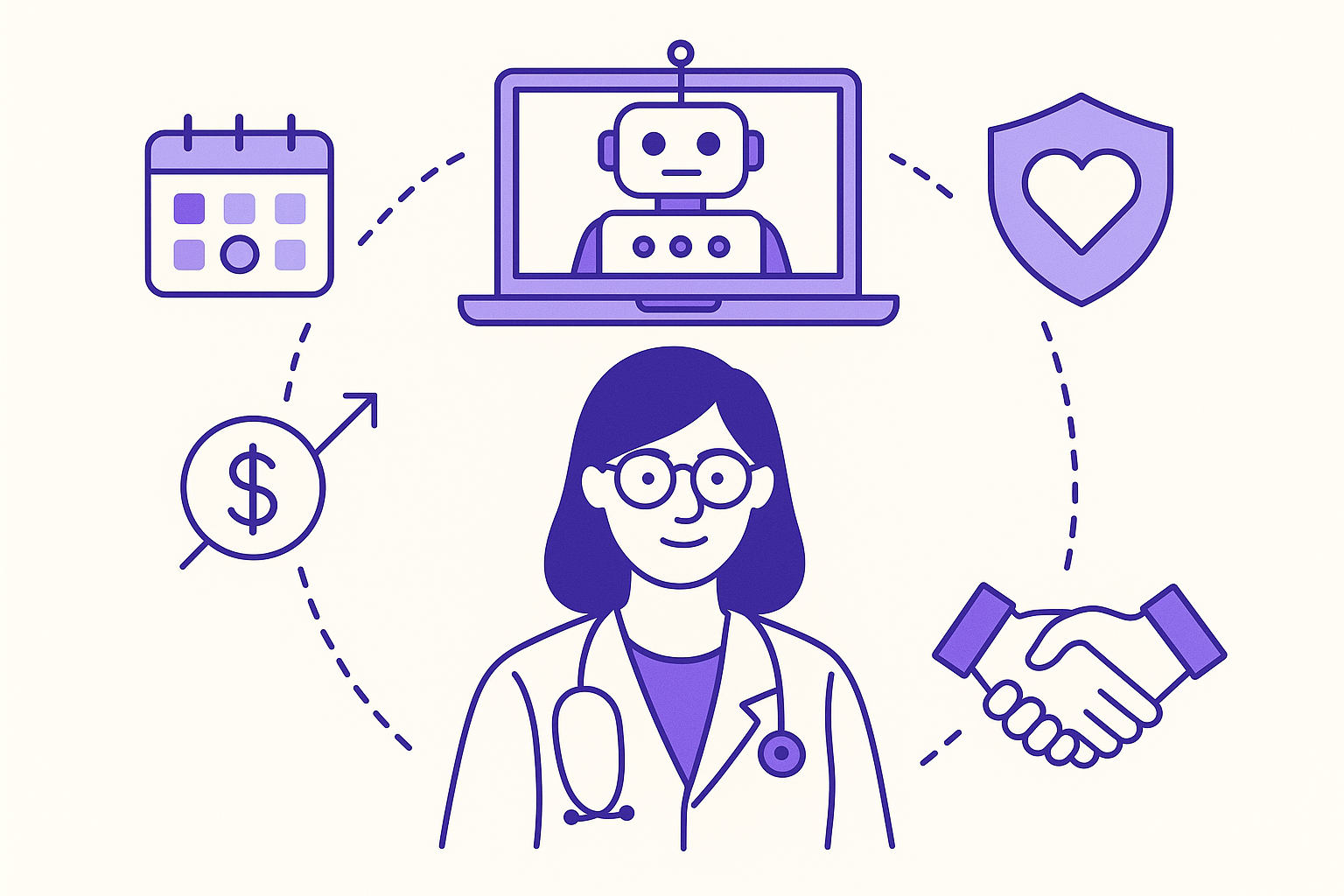
The Importance of Automating Customer Responses in Clinics
Clinics need seamless communication with patients. Automating responses enhances this interaction. Patients value quick replies, which boosts satisfaction. Automation cuts the administrative load, letting staff focus on critical tasks. It also ensures 24/7 availability for patient inquiries.
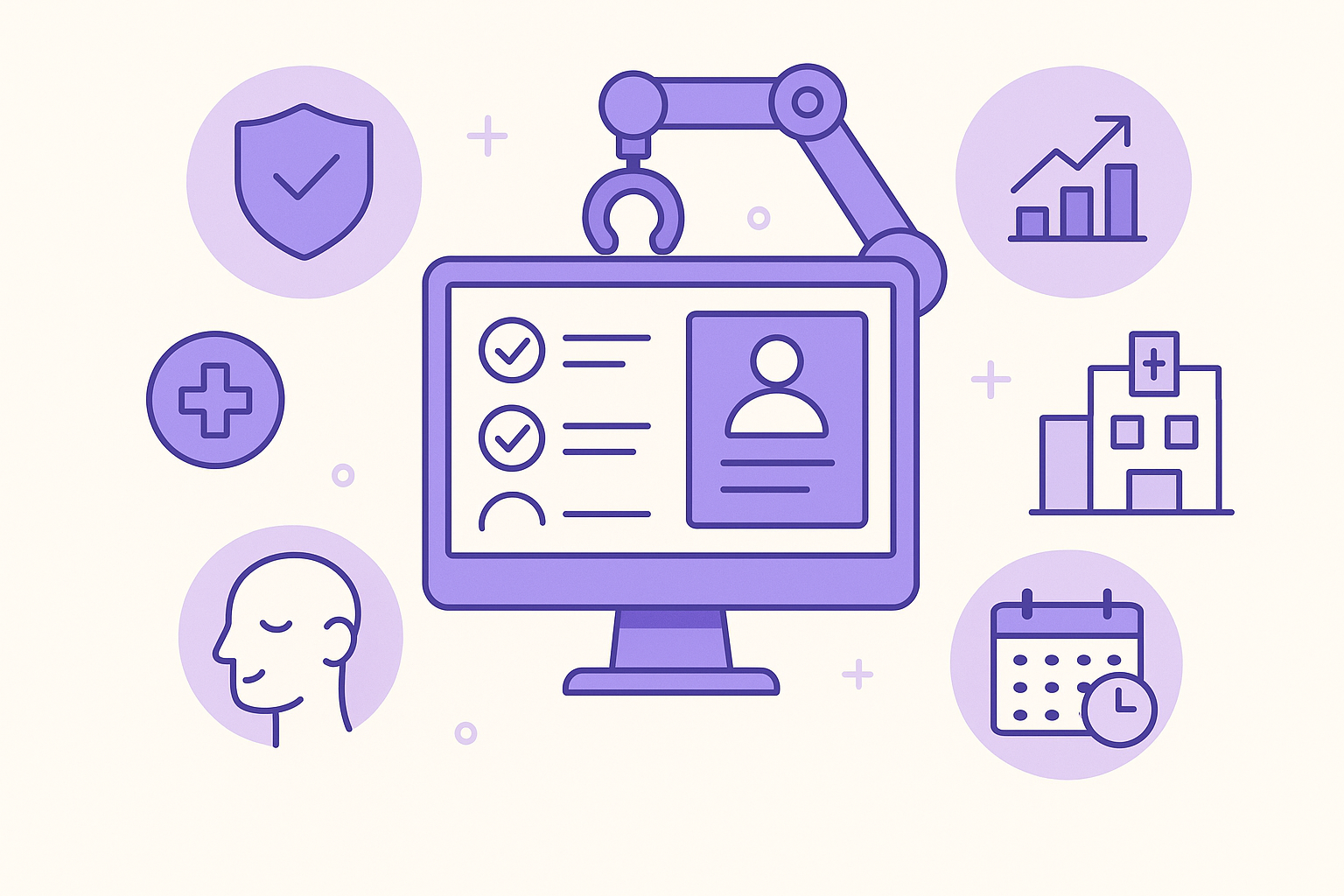
Consider a patient worried late at night. An automated system can reassure them and schedule follow-ups without staff involvement. This eases anxiety and keeps workflows smooth for clinic staff.
Automation manages high inquiry volumes while maintaining service quality. During flu season or health crises, clinics face many inquiries. Automation handles repetitive questions about hours, services, or protocols, freeing up human resources for complex issues. This efficiency is crucial for high care standards and cost management.
Key Features to Look for in an Automation Tool
Choosing the right tool is crucial. Look for multi-language support to serve diverse patients. This is vital in multicultural areas where patients prefer their native language. It ensures inclusivity and enhances the patient experience.
Lead capture capabilities are essential. They gather patient info like names, phone numbers, and emails, ensuring no potential patient is missed. Efficient lead capture can attract prospective patients and build a strong database for future engagement.
An automation tool should integrate appointment scheduling with Google Calendar. This prevents double-booking and simplifies the booking process for patients and staff. For more on scheduling, visit our appointments page.
Look for tools offering analytics to track and improve response times and patient satisfaction. Analytics provide insights into automated interactions, highlighting improvement areas to enhance service quality.
Setting Up Your Automation: A Step-by-Step Guide
Starting with automation can be simple. Here’s a checklist:
- Choose a platform with quick setup, ideally offering a 5-minute no-code configuration. This is crucial for clinics without dedicated IT teams.
- Use a 7-day free trial to explore features without financial commitment. This tests the tool's compatibility with your clinic's needs.
- Integrate a unified inbox to manage communications from your website, Telegram, and WhatsApp in one place. This ensures no patient message is missed. Learn more on our inbox page.
Involve front-desk staff and IT professionals to ensure the system meets operational needs. Training should familiarize staff with the interface and troubleshooting.
Following these steps ensures a smooth transition to automation, boosting efficiency and patient satisfaction. Regularly review the system's performance and seek feedback to refine your strategy.
Enhancing Patient Engagement Through Automation
Automation can enhance patient engagement. Use a knowledge base trained on your clinic's content for accurate, relevant responses. If a patient asks about a procedure, the system provides detailed information sourced from your resources. Explore how a knowledge base can support your clinic on our knowledge base page.
Broadcast features share important updates or health tips. During flu season, broadcast flu shot availability reminders or illness prevention tips. Segment patient interactions to tailor communication, sending targeted messages based on needs or preferences. Check out how broadcasts and segmentation can benefit your clinic on our broadcasts page.
Automation tools track patient interactions and feedback, offering insights into satisfaction and improvement areas. Personalized messages and health reminders foster care and encourage adherence to medical advice, boosting loyalty and health outcomes.
Managing Human Interventions in Automated Conversations
Automation is efficient, but sometimes a human touch is needed. Ensuring a smooth handover to human agents during complex situations keeps the personal touch patients value. Monitor interactions to improve responses over time, refining the system for patient needs.
Set triggers for human intervention to balance automation with personal care. If a patient is dissatisfied or confused, route the conversation to a live agent. This resolves issues effectively and shows patients their concerns matter.
Regular training and feedback for staff involved in automated and live interactions maintain high service standards. Reviewing common issues and adjusting protocols ensure seamless and effective integration of human and automated interactions.
What types of clinics can benefit from automation?
Automation benefits various clinics. Those focusing on patient engagement, high-volume clinics needing efficient communication, and specialty clinics requiring multilingual support see advantages. Pediatric clinics handle anxious parents, while dermatology clinics manage appointments and follow-ups. Automation streamlines these processes.
How can I ensure my automation tool meets compliance standards?
Ensure compliance with data security and privacy standards. Choose a platform that prioritizes these. Regularly update privacy policies and handle patient data per local regulations. Conduct audits and staff training to maintain compliance, protecting patient information and enhancing your clinic's reputation.
Is it easy to switch to an automated response system?
Switching is generally straightforward. Most platforms offer simple setup, with minimal training focused on key features. Free trials let clinics test systems before full commitment. Have a transition plan with timelines, stakeholder responsibilities, and contingency measures to address challenges. Engaging staff early eases resistance.
In conclusion, automating customer responses in clinics streamlines operations, improves patient satisfaction, and frees staff for critical tasks. Start a free trial at Myra today.
7-day free trial · no credit card · live in 5 minutes
Start free →