For small SaaS businesses, reducing support tickets is essential. Excessive inquiries drain resources and slow growth. Fewer tickets mean more time to enhance your product and grow your business. This guide explores strategies to reduce support tickets and improve customer experience.
Understanding the Support Ticket Challenge
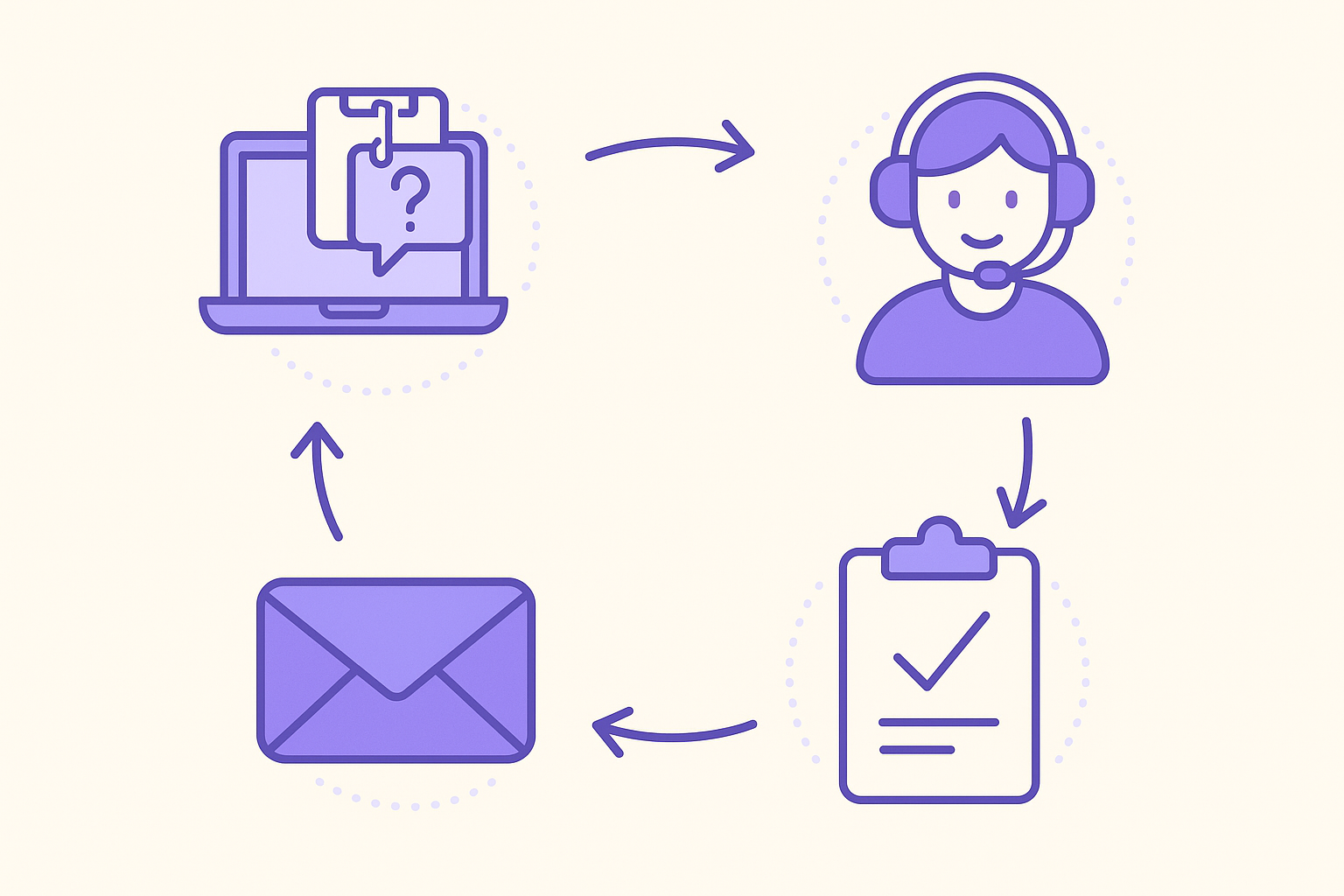
Support tickets often stem from a variety of sources: unclear product features, confusing pricing models, and technical issues that users encounter during their experience with your software. When these issues are not addressed properly, it leads to frustrated customers and potentially damaged brand reputation. The challenge is compounded by high ticket volumes which can result in delayed responses, further increasing customer dissatisfaction. Implementing proactive support measures is crucial to ease this burden and to keep your customers satisfied and loyal.
To tackle this challenge effectively, start by examining the common questions your team fields. Are the majority of inquiries about account setup, troubleshooting, or billing issues? Identifying patterns in these questions is critical as it allows you to create targeted resources that can address these issues proactively. This initial analysis is the first step in reducing the ticket volume and can provide insights into how your product is perceived by users.
Implementing a Knowledge Base
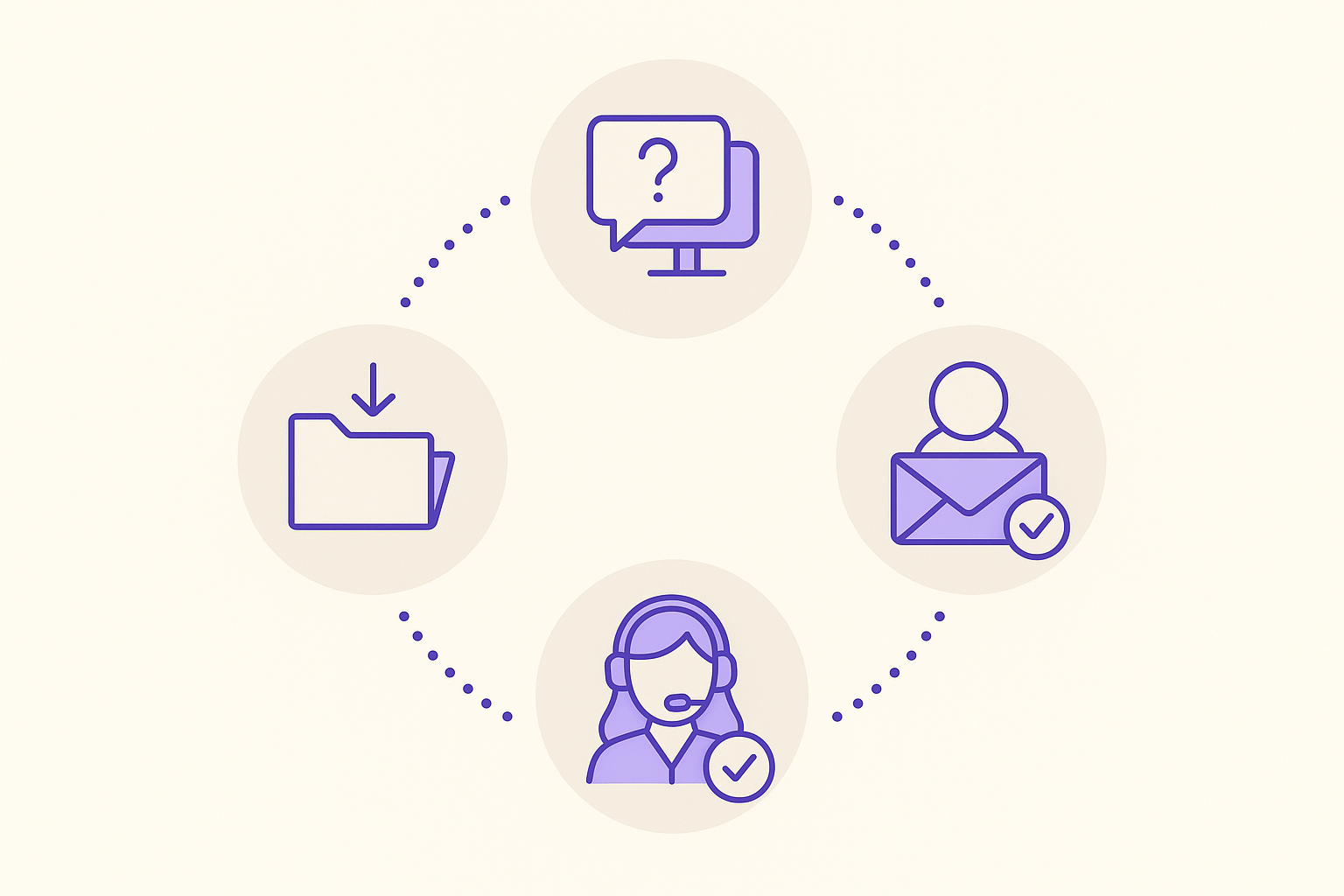
A comprehensive self-service knowledge base is a cornerstone for reducing support tickets. It empowers users to find answers independently, without the need for support intervention. A well-designed knowledge base should include detailed articles, step-by-step guides, FAQs, and video tutorials that address common issues users face.
To ensure your knowledge base is effective, consider the following practical steps:
- Structuring Content Clearly: Organize information into easily navigable categories and subcategories. This structure helps users find relevant information quickly, reducing the likelihood of submitting a support ticket.
- Using Simple Language: Avoid technical jargon and write in a clear, concise manner that all users can understand, irrespective of their technical expertise.
- Updating Regularly: Ensure that your knowledge base reflects new features, updates, or changes to your product promptly. Outdated information can lead to confusion and increased support requests.
- Including Visuals: Use screenshots and video tutorials to enhance clarity, as visual aids can often convey information more effectively than text alone.
Myra offers a knowledge base feature that is trained on your website content, providing users with accurate information 24/7. This AI-driven tool enhances user satisfaction and significantly reduces the support workload by enabling self-service.
Leveraging AI for Efficient Support
AI tools like Myra are transforming how small SaaS businesses handle support. By automating responses to common product and pricing questions, these tools allow your team to focus on more complex tasks that require human intervention. AI provides round-the-clock support, ensuring immediate assistance to users at any time of day.
To implement AI effectively in your support strategy, consider these steps:
- Analyze Support Ticket Data: Leverage historical support ticket data to train your AI system on the most frequent queries. This step ensures that the AI can handle a majority of inquiries effectively.
- Customize AI Responses: Tailor AI responses to align with your brand voice and tone. Consistency in communication is key to maintaining a professional and trustworthy image.
- Monitor AI Performance: Regularly review AI interactions to ensure accuracy and relevance. Continuous monitoring allows you to identify areas for improvement and update AI responses as needed.
Myra not only enhances customer support but also qualifies leads and books demos automatically, helping your team focus on high-value activities. Its unified inbox combines inquiries from multiple platforms into one interface, streamlining communication and improving efficiency.
Streamlining Communication Channels
Managing multiple communication platforms can be particularly challenging for small teams. Fragmented communication can lead to missed messages and delayed responses, which frustrates customers. By integrating channels like website chat, Telegram, and WhatsApp into a single inbox with Myra, you can streamline your communication flow and ensure no message goes unanswered.
To streamline communication effectively, follow these steps:
- Centralize Platforms: Use Myra to consolidate all communication platforms into one interface. This centralization allows for easier management and quicker response times.
- Prioritize Inquiries: Set up a system to prioritize urgent queries, ensuring they are addressed promptly and customer satisfaction is maintained.
- Train Your Team: Educate your team on efficient use of the unified inbox to ensure they can maximize response times and manage inquiries effectively.
Myra supports human intervention for complex queries, ensuring that customers receive personalized attention when AI isn't enough. Maintaining this balance between automation and human interaction is crucial for achieving high levels of customer satisfaction.
Using Automation to Reduce Workload
Automation plays a vital role in reducing the support workload by handling repetitive tasks. This allows your team to focus on more strategic activities that drive business growth. Myra automates lead capture and qualification, ensuring efficient customer nurturing and freeing your team to handle more complex issues.
Consider implementing the following automation strategies:
- Automate Scheduling: Use scheduling tools to book appointments directly into Google Calendar, preventing double bookings and ensuring a smooth customer experience.
- Implement Automated Workflows: Guide users through their journey with automated workflows that address common questions early, reducing the need for support tickets.
- Use Broadcasts and Funnels: Send targeted messages to help users understand product features and navigate the platform without needing support intervention.
How can I reduce the number of support tickets?
- Implement a comprehensive knowledge base for self-service support.
- Utilize AI tools like Myra for 24/7 support on frequent questions.
- Streamline communication channels for efficient inquiry management.
- Leverage automation for routine tasks and seamless scheduling.
What role does AI play in reducing support tickets?
- AI answers common questions instantly, reducing the need for human intervention.
- It qualifies leads and books demos, allowing your team to focus on high-value tasks.
- AI provides continuous support, ensuring immediate assistance and improved user satisfaction.
How does Myra help with support ticket management?
- Myra captures leads from conversations, reducing manual data entry and streamlining processes.
- It integrates chats from multiple platforms, enhancing team efficiency and response times.
- Myra's knowledge base is trained on your content, offering accurate and timely responses to user queries.
Implementing these strategies can significantly reduce support tickets and enhance customer satisfaction. Start a free trial of Myra at https://myrachat.com/register.
7-day free trial · no credit card · live in 5 minutes
Start free →